One calendar for your group’s next gatherings
Follow a gathering page once and see its attached scheduled meetings as new plans are published.
Enable the calendar deliberately
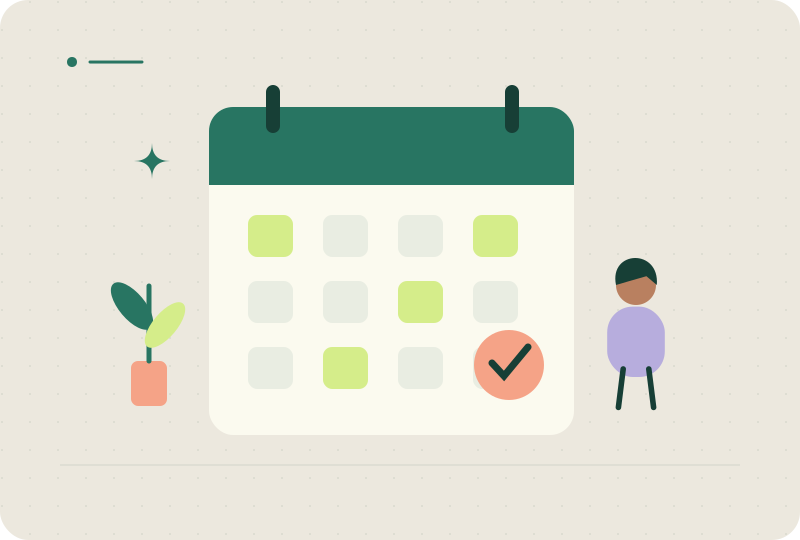
Edit a gathering page and enable Allow a group calendar subscription. Only meetings explicitly attached to the page are included. The feed contains all attached scheduled meetings, even if the page displays only the next one. Leave it off when a group should see one invitation at a time.
Subscribe instead of importing
Open the gathering page and choose Open calendar subscription or copy its calendar URL. Add that URL through your calendar’s subscription settings. Google Calendar setup uses its desktop website. A downloaded ICS file or saved Google event remains a separate snapshot; it does not become a subscription.
Know how changes arrive
Meetyn publishes stable event identifiers, versions and cancellation status. Calendar applications choose when to refresh, which can take hours. Cancel a meeting before removing it so subscribers can receive the cancellation. Past and cancelled events remain in the feed for 90 days after ending. Disabling the page or feed blocks future access but cannot erase saved data.
Share only the right meetings
Anyone with the feed URL can read included descriptions, dates, addresses and joining links. Guest names are excluded. Avoid attaching confidential meetings to a widely shared page. Following a calendar is separate from RSVP and optional meeting emails; guests still respond on each invitation.
Your questions, answered
Does it check my availability?
No. It is a read-only feed, without calendar-account access.
Does it create recurring meetings?
No. Publish each meeting and attach it to the page, or use Do this again to start a fresh draft.
Are changes instant?
No. Share urgent changes in the original conversation too.
Put the idea into practice.
Start with your occasion, a time and a place. Give your group one clear next step.
Explore invitation templates ↗